
Issues with the application
AutoBrief is a reliable platform, but like any web application, temporary disruptions or malfunctions can occasionally occur. Such instances are rare, and our team actively works to minimize them.
If you encounter a problem, you will find the most common solutions below.
Frozen application
If the application is unresponsive, does not load, or you see an error on the page:
1. Refresh the application
- Press: CTRL + SHIFT + R or CONTROL + R
- This performs a “hard refresh,” which often resolves the issue.
2. Reopen the application
- Close all tabs/browser and reopen app.briefd.io.
3. Check if it's a system upgrade
- Sometimes the application is temporarily unavailable due to updates. Wait a few minutes and try again.
4. Does the problem still persist?
- Contact the team and describe the problem in as much detail as possible.
Problems with uploading invoices and administration
If you notice that invoices are not uploading/are unresponsive, the problem is usually with our external invoice provider.
In this case, our team is already actively resolving the issue, and we will notify you once it's restored.
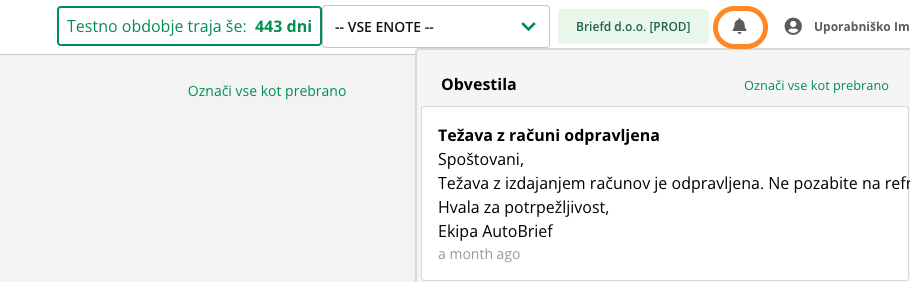
Trouble notifications
When problems or disruptions in operation occur, we notify you via in-app messages. For major issues, we also notify you via email
If it's a widespread issue (e.g., invoices not working), it's very likely that you are not the only user experiencing this problem, and the team is already actively working on a solution.
Monitoring updates
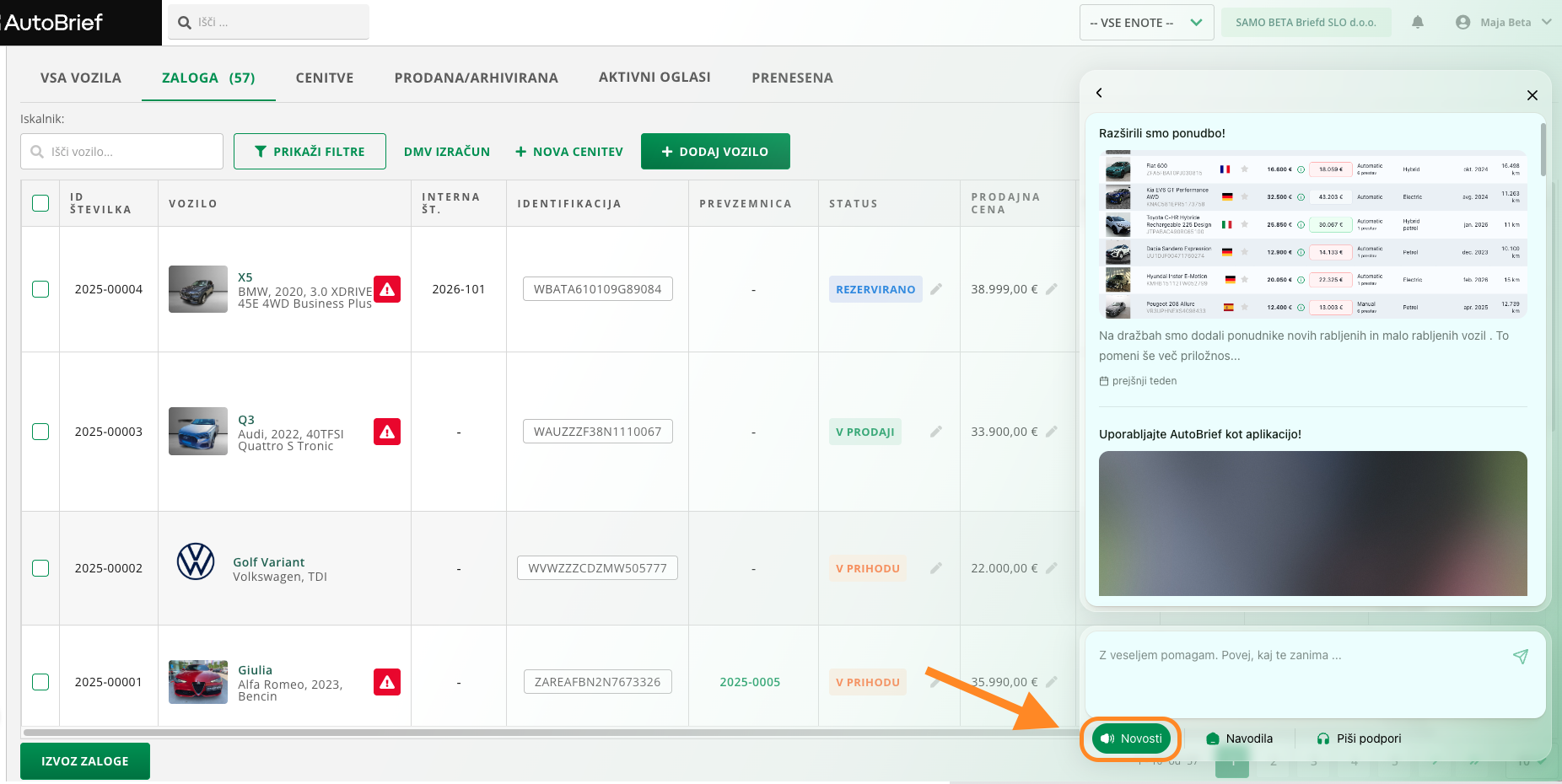
You can follow all updates via the Help - Updates window. There you will find new functionalities, news about system improvements, and usage instructions.
When to contact support
Contact the team if the issue persists for a longer time and you cannot continue your work. To help us resolve the error faster, provide a detailed description of the issue and a screenshot (if possible).