
Module Overview
The AutoBrief platform is easy to use, but it has many functionalities that might make it difficult to find everything immediately. Don't worry, here's a simple overview of everything you can find on the platform.
Settings
To start, here are the most important things you'll find on the platform's dashboard itself. In the top right, by clicking on your username, you'll see Settings. By clicking on Settings, you'll find the submenus:
- Company Profile
- Personal Profile
- User Accounts
- User Roles
- Business Units
- Test Plates
- Administration Settings
- Packages and Subscription
- Integrations
Help
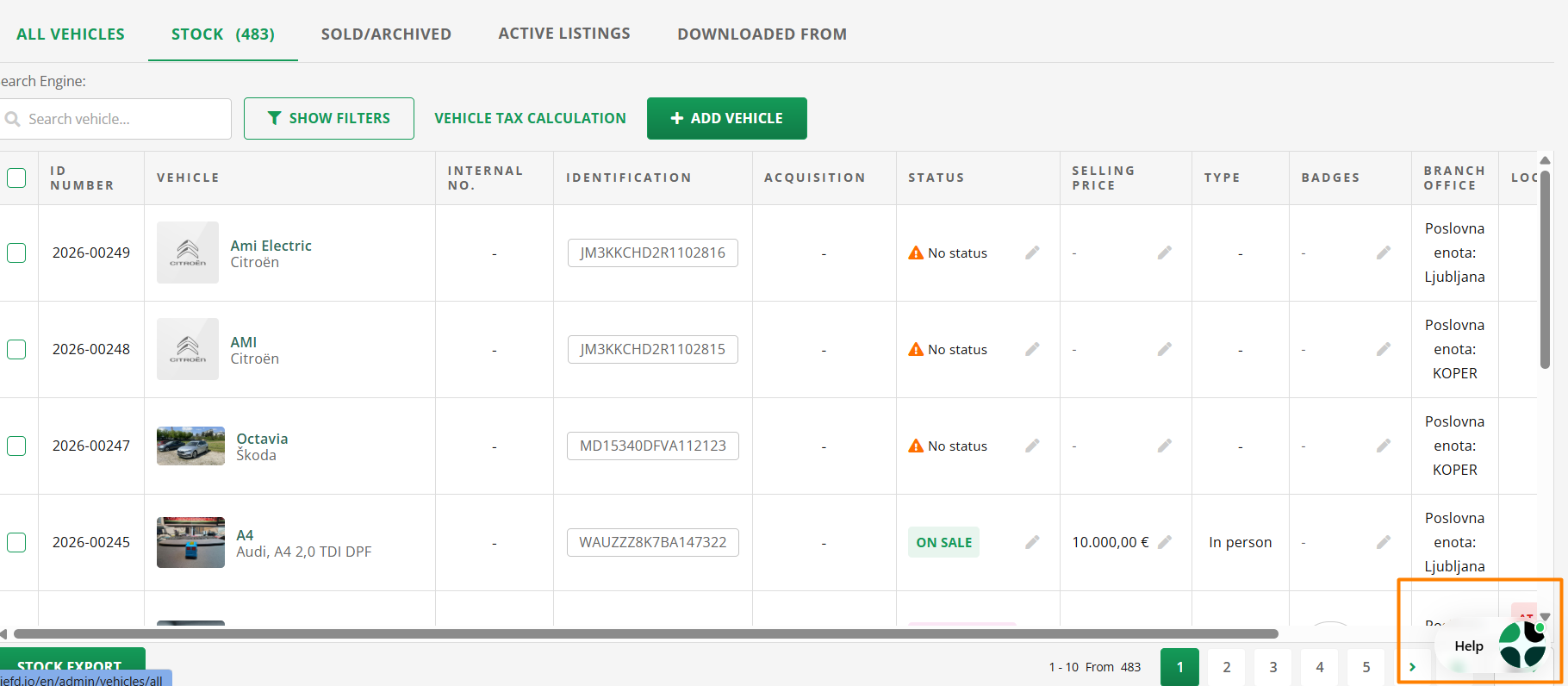
In the bottom right corner, you'll find the Help button, which helps you with daily challenges and issues.
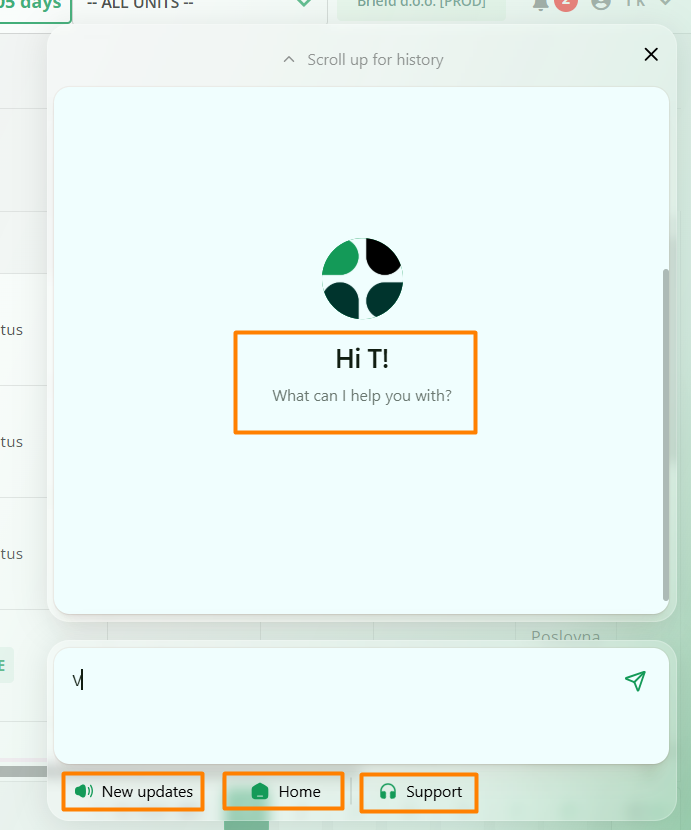
By entering your issue into the search bar above, all articles containing content relevant to you will be displayed. You can always access the instructions by clicking on the link User Manual.
The News icon contains the latest updates about platform upgrades.
The Technical Support icon opens a chat window with the AutoBrief team.
Tip: If you need help from the team, describe the issue in as much detail as possible from the start and attach a screenshot if necessary. This will help us resolve the issue faster.
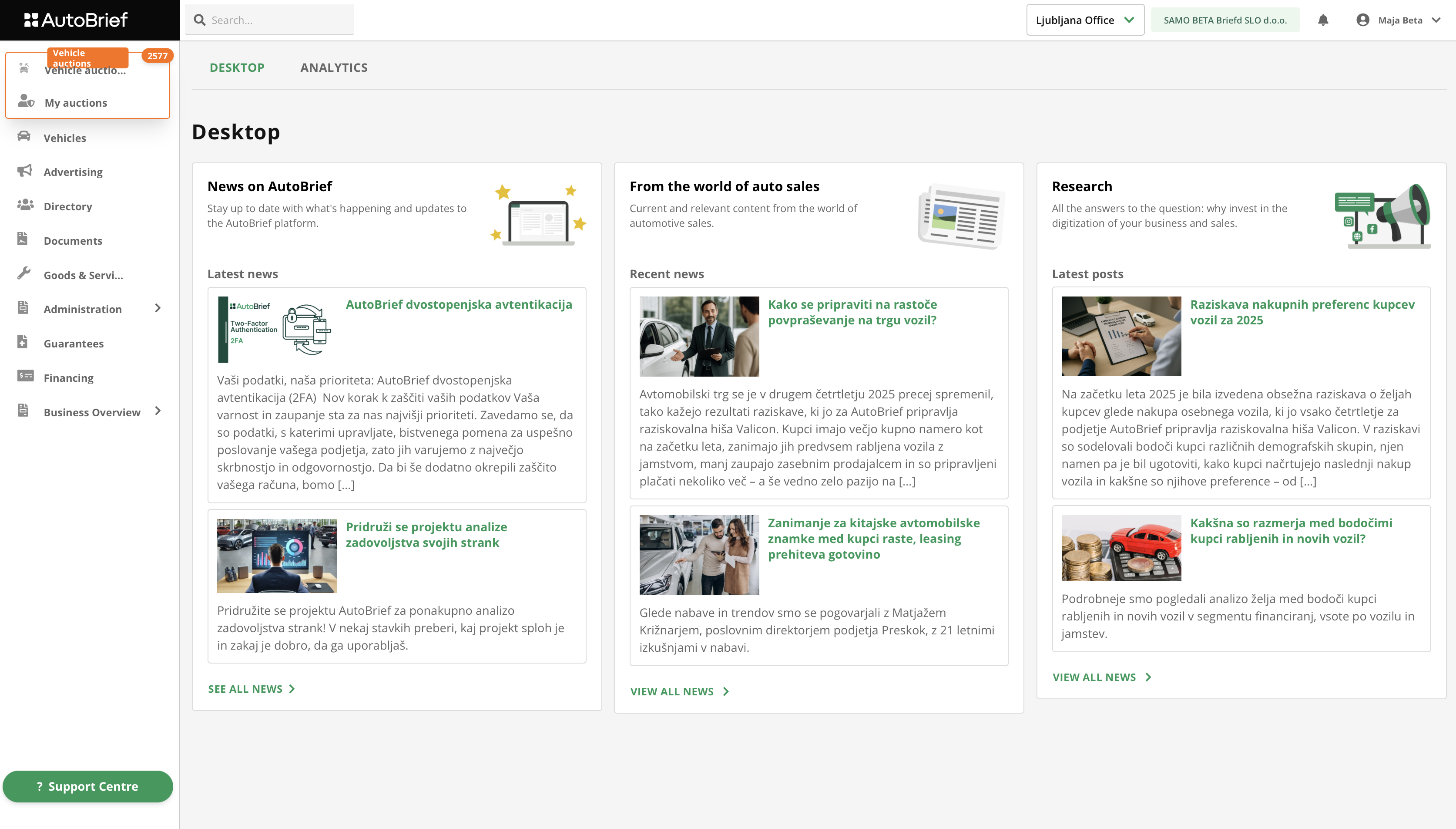
Dashboard
The dashboard also contains the most important element - the main menu, which consists of numerous modules. Module names are designed to tell you in advance where you will find what.
Vehicle Auctions
In the Vehicle Auctions module you can buy vehicles at auctions from all over Europe. Thousands of vehicles from over 40 brands are available every week.
The module contains:
- overview of all active auctions
- filtering by brand, model, country, mileage, price or auction type
- different auction types:
- regular auctions
- blind auctions
- fixed-price auctions
- display:
- current price
- informative price
- average market price
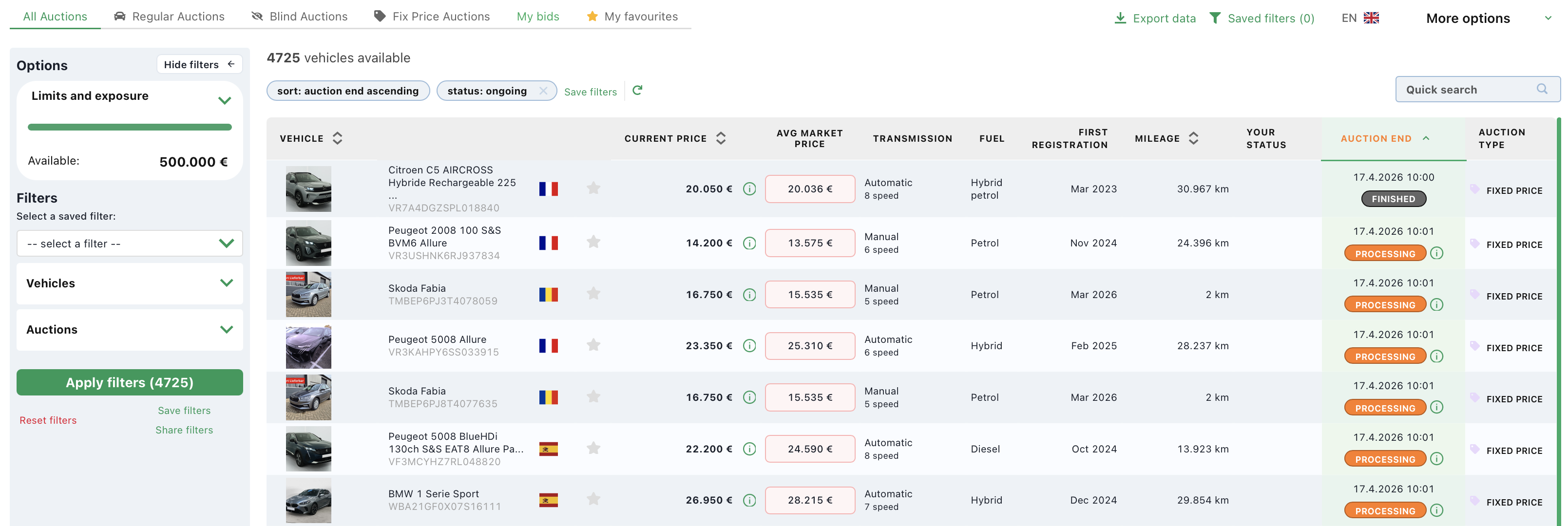
The submenu My Auctions offers an overview of vehicle auctions that you sell through auctions as a dealer.
Vehicles
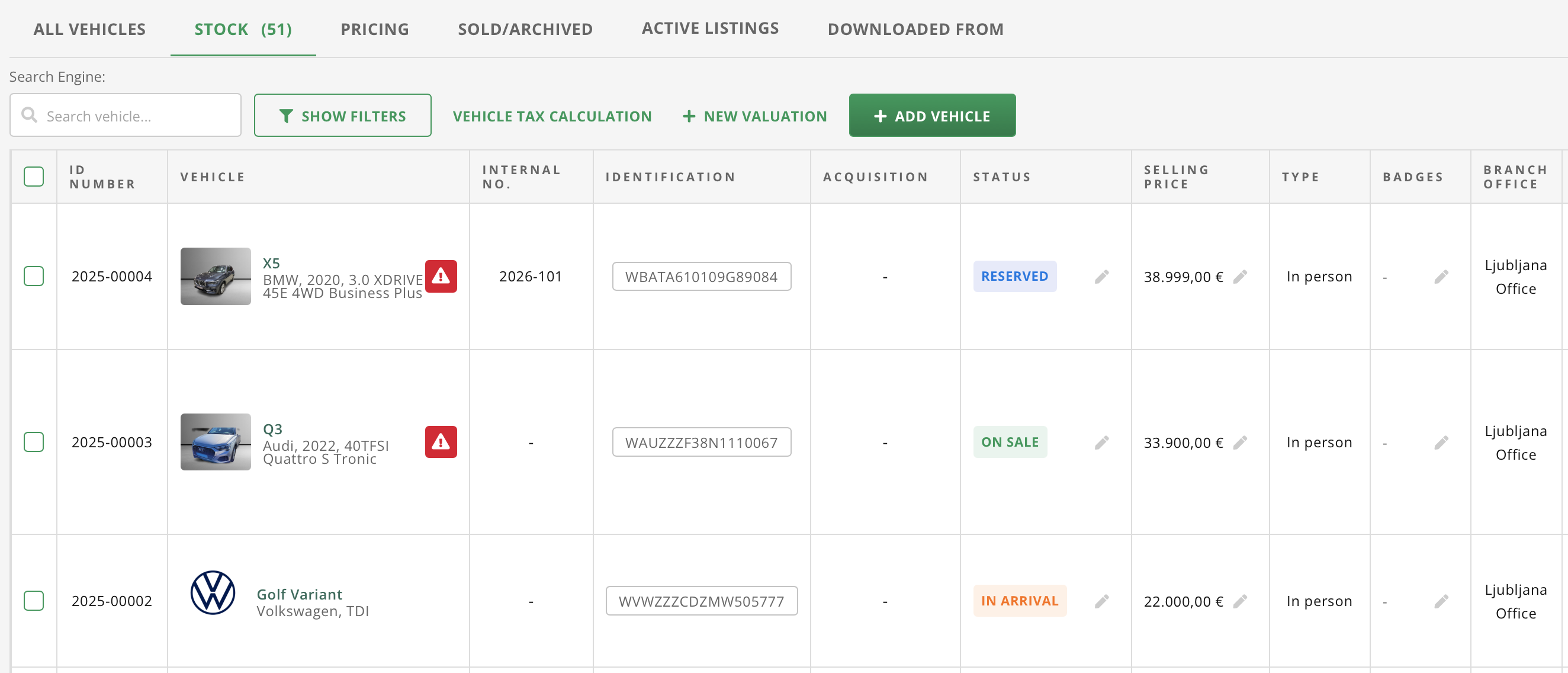
The Vehicles module contains the inventory of all vehicles in the company. Here you add new vehicles, edit data, monitor costs, and prepare vehicles for sale or advertising.
The Vehicles view contains:
- adding new vehicles via VIN number or manually,
- vehicle card with technical data, all equipment, photos and attached documents,
- managing vehicle statuses,
- tracking vehicle costs, services and transports,
- vehicle history,
- vehicle location,
- link to advertising,
- link to documents.
Advertising
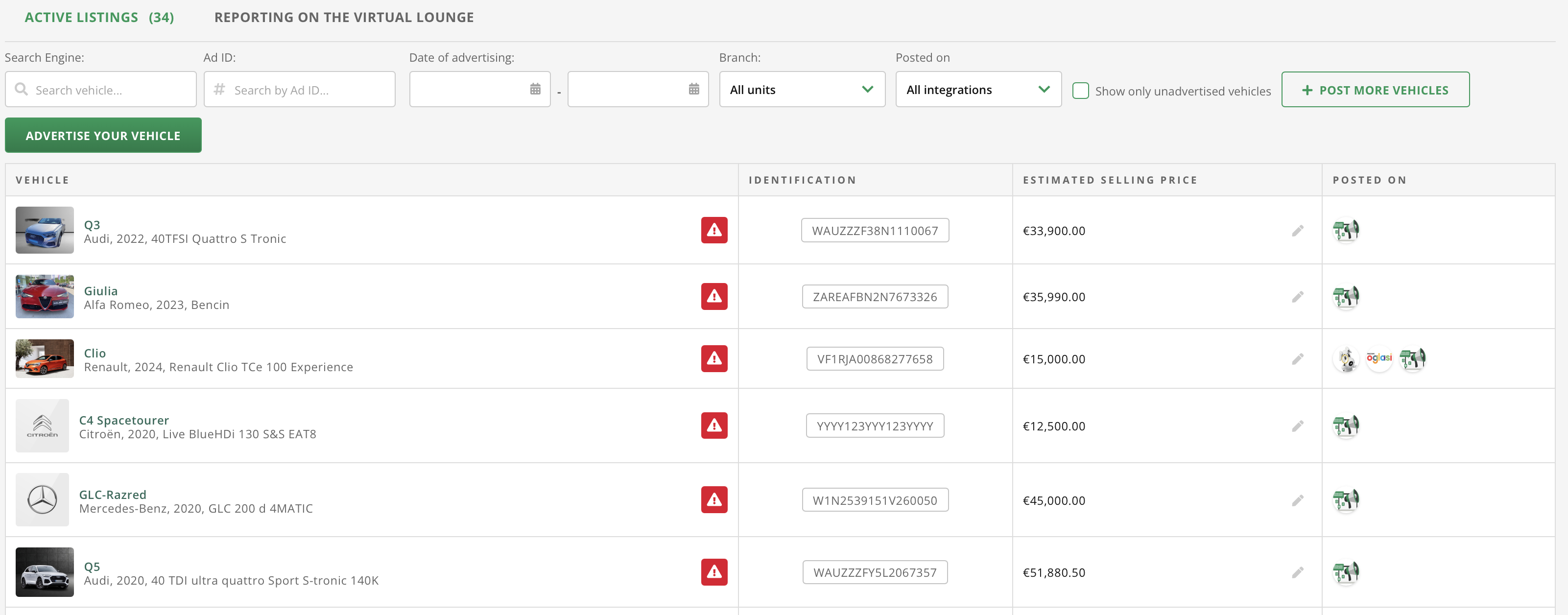
The Advertising module offers vehicle publication on the most visited ad portals and social networks. Manage ads, refresh posts and track their performance.
The module covers ad distribution to sales portals and offers:
- publishing vehicles on ad portals
- automatic ad generation
- photo management
- preparation of vehicle descriptions
- ad refreshing
- overview of active ads
- ad statistics on the Virtual Showroom
Directory
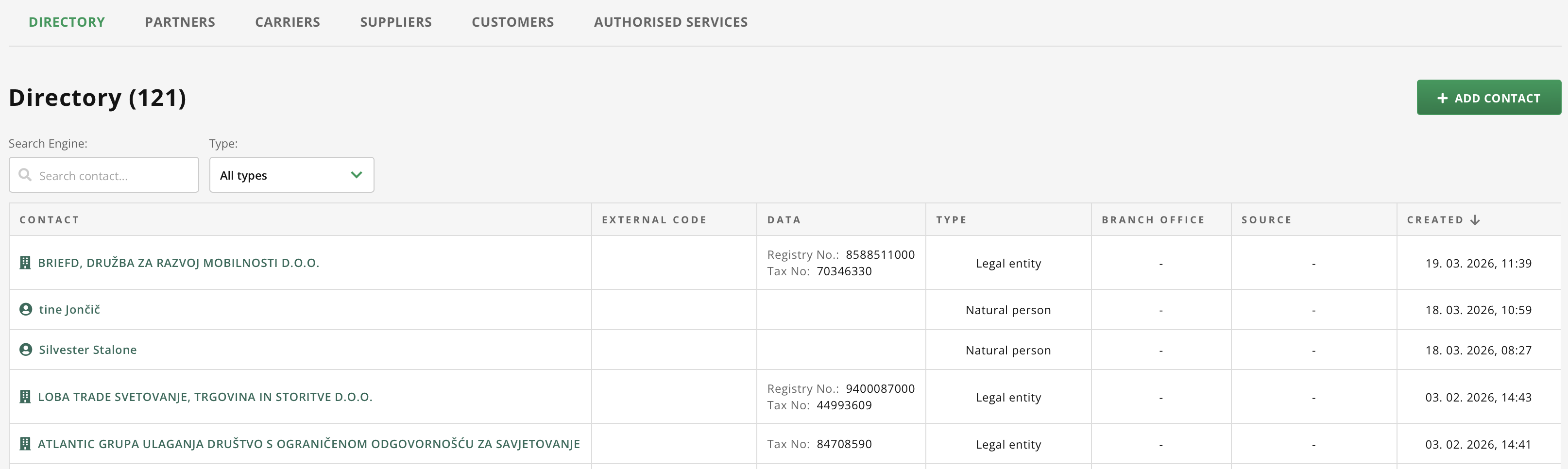
In the module Directory you'll find everything related to working with customers, partners, suppliers … Here you manage customer data, business history and contact information.
Documents
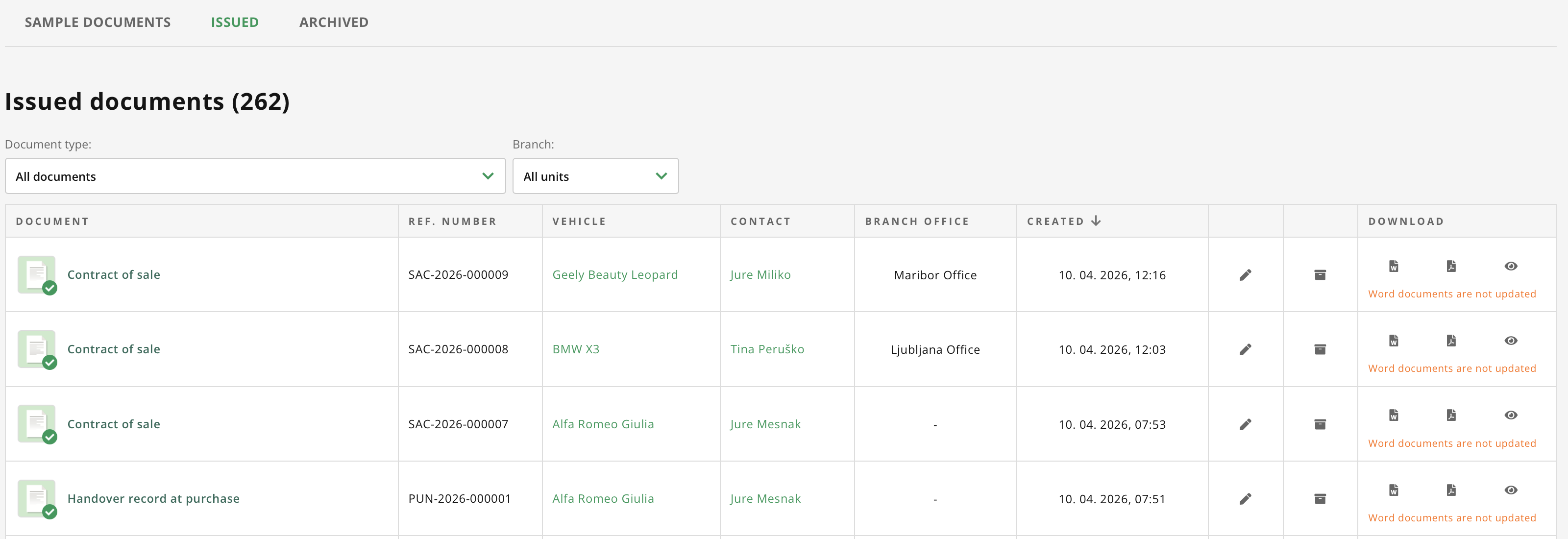
Under Documents you'll find all active documents and their templates:
- Used car warranty card
- Contract of sale
- Power of attorney for administrative procedures relating to the vehicle
- Acknowledgment of receipt of are
- Handover record at purchase
- Handover record at sale
- Used car warranty card (legal entity)
- Agreement on commission sales for legal entities
- Authorization for administrative proceedings concerning the vehicle (legal person)
- Handover minutes at purchase (legal entity)
- Handover minutes at sale (legal entity)
- Test drive license
- Commission sale contract for natural persons
- Consent to the transfer of data to an insurance company
Documents are stored in the document archive and archives on the vehicle card.
Goods and Services
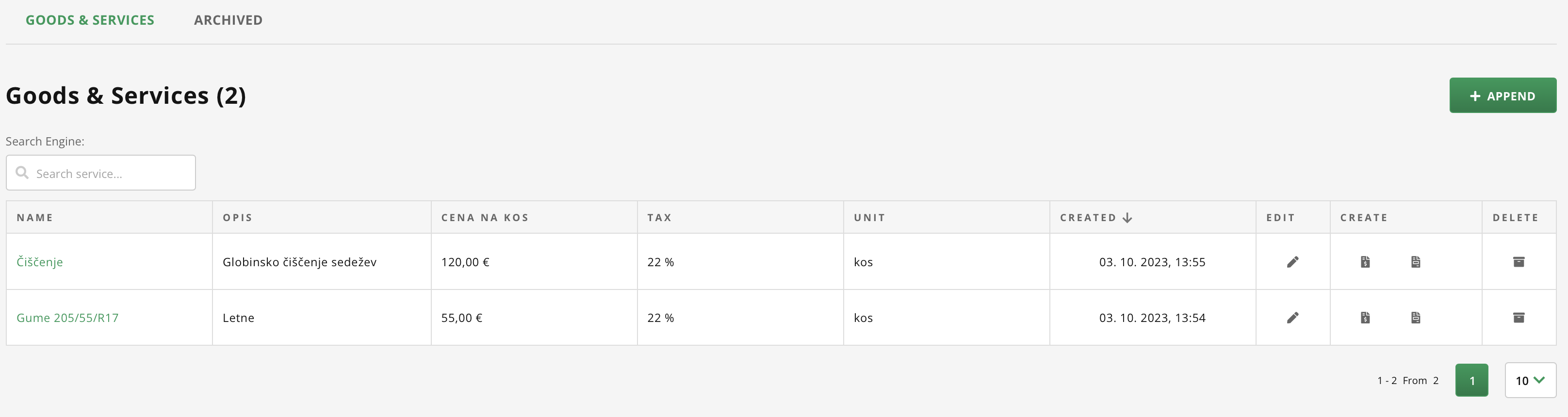
The Goods and Services module allows you to add products or services that you sell in addition to vehicles (e.g., vehicle preparation, additional equipment). These items can then be quickly used on invoices.
The module for managing additional invoice items includes:
- list of equipment and services,
- setting prices and VAT rates for each item,
- using items in invoices, proforma invoices and other documents.
Administration
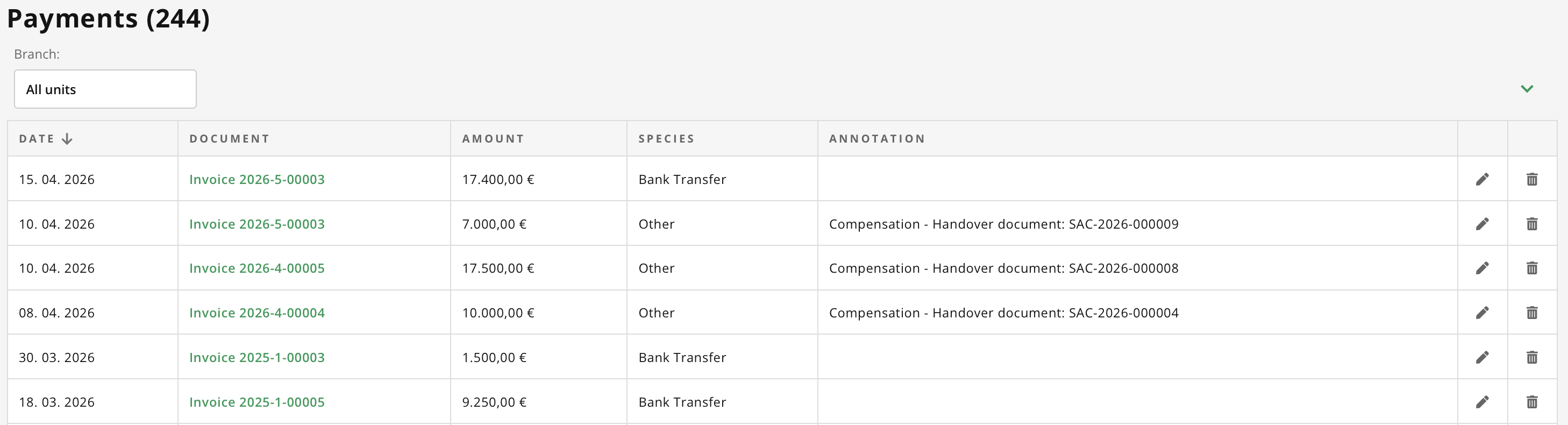
The Administration module offers centralized company management. Here you issue invoices and manage the fiscal cash register. The module for financial administration of the company includes:
- issuing invoices: invoices, proforma invoices, advances and credit notes,
- dashboard with an overview of open invoices, receivables and payments for this month,
- tab with an overview of all payments.
- exporting invoices
- issuing and editing e-invoices
- management and overview of cash receipts and expenditures

Business Overview
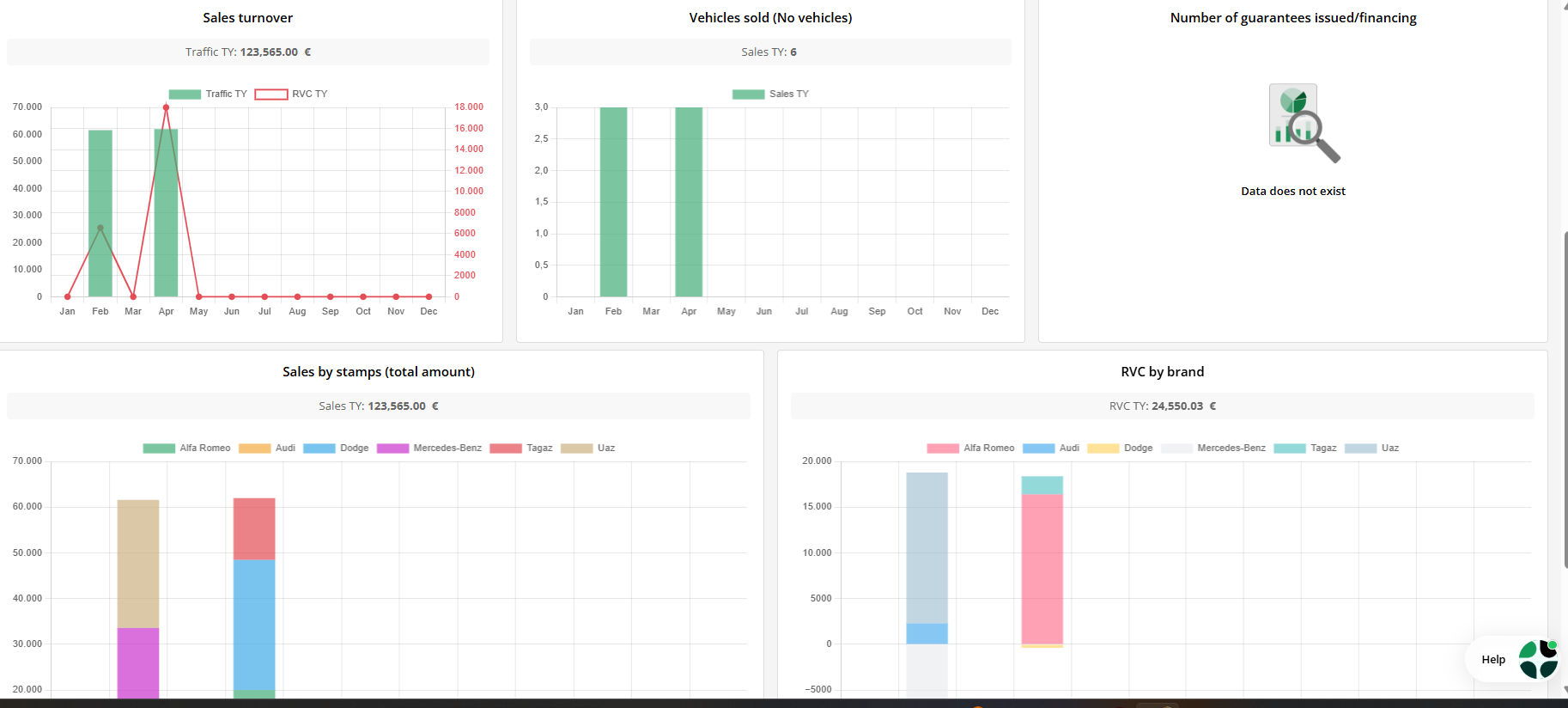
The Business Overview module offers analytics and an overview of business results. Monitor sales, revenue, costs, and business performance by period or business unit.
Where to start?
AutoBrief offers a wide range of modules that cover all business specifics. For a simple start, we recommend following the introductory instructions.