
CarPeak - adding VIN number with scan
The VIN number is one of the most important vehicle data points and is therefore a mandatory field when adding a vehicle to the CarPeak application.
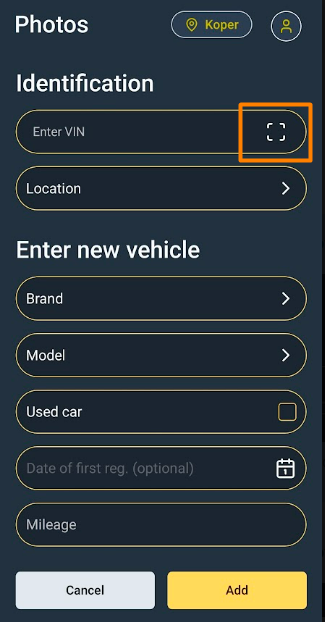
When you click the button + Add vehicle, you can add the VIN number by typing it in, but it's even easier if you click the window icon and you will see VIN scan
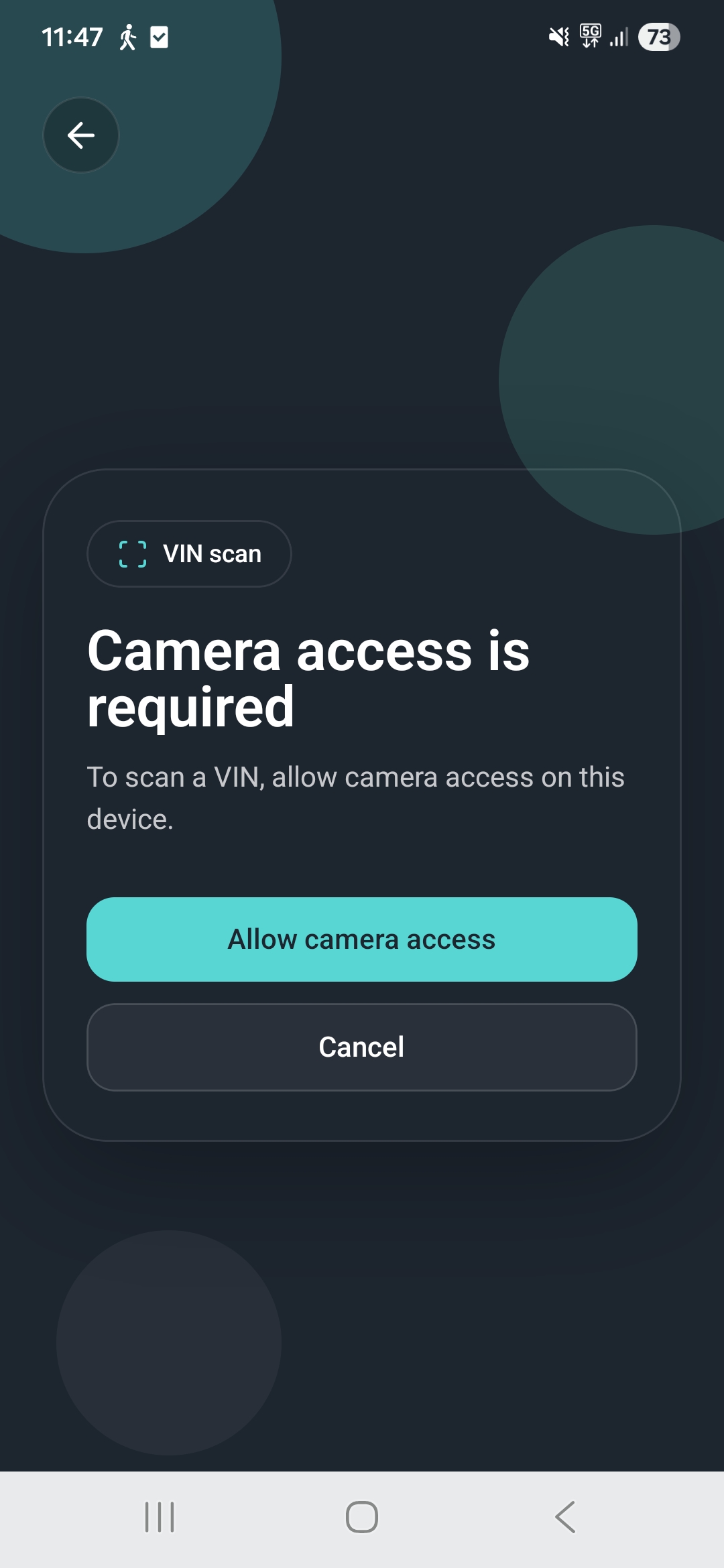
On first use, you need to grant the application permission to use the camera. You do this by clicking the button Allow camera access
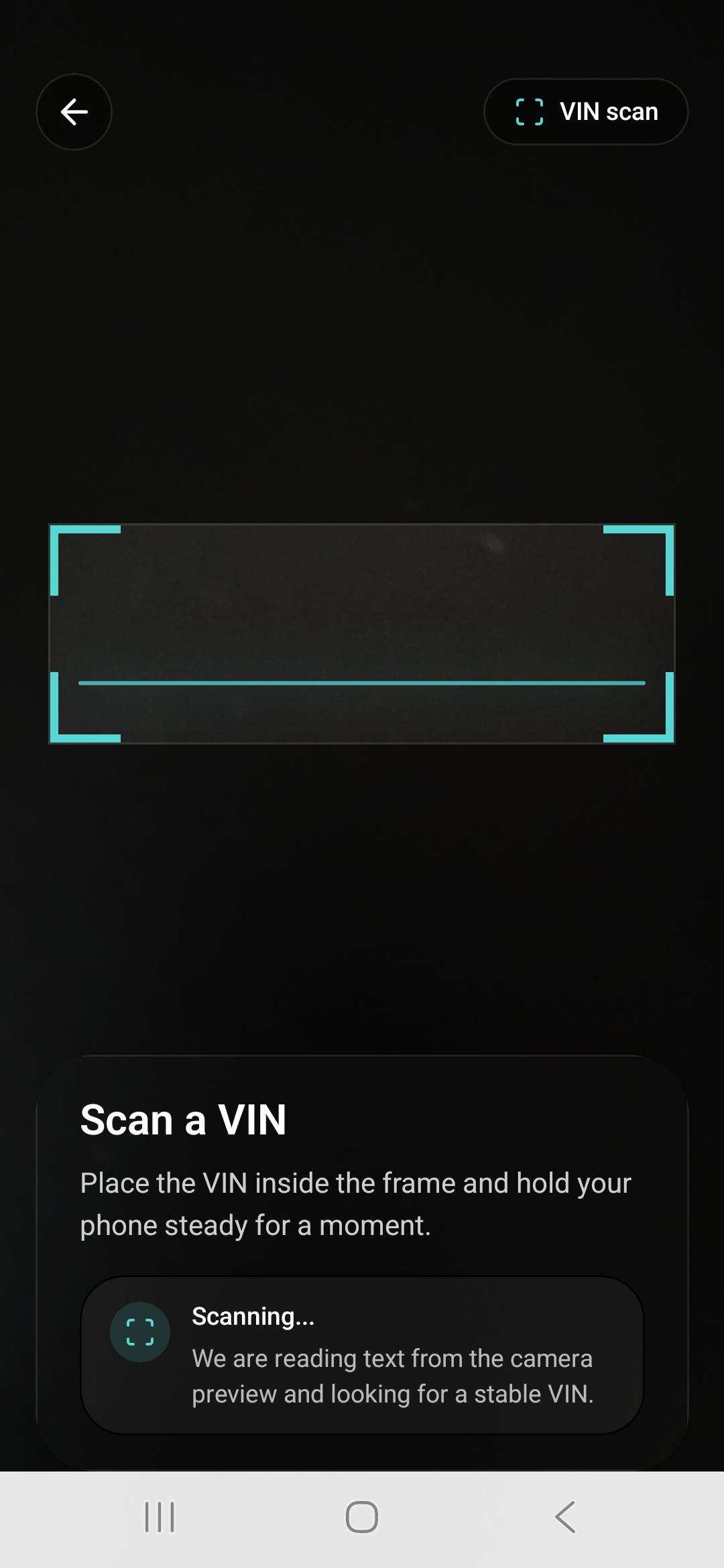
Once you grant permission, a scan window will appear. You bring it close to the VIN number on your vehicle and hold it still for a few seconds. This way, you directly transfer all required vehicle data into the application.
All data that the VIN decoder can obtain from the VIN number itself will be populated.