
Support
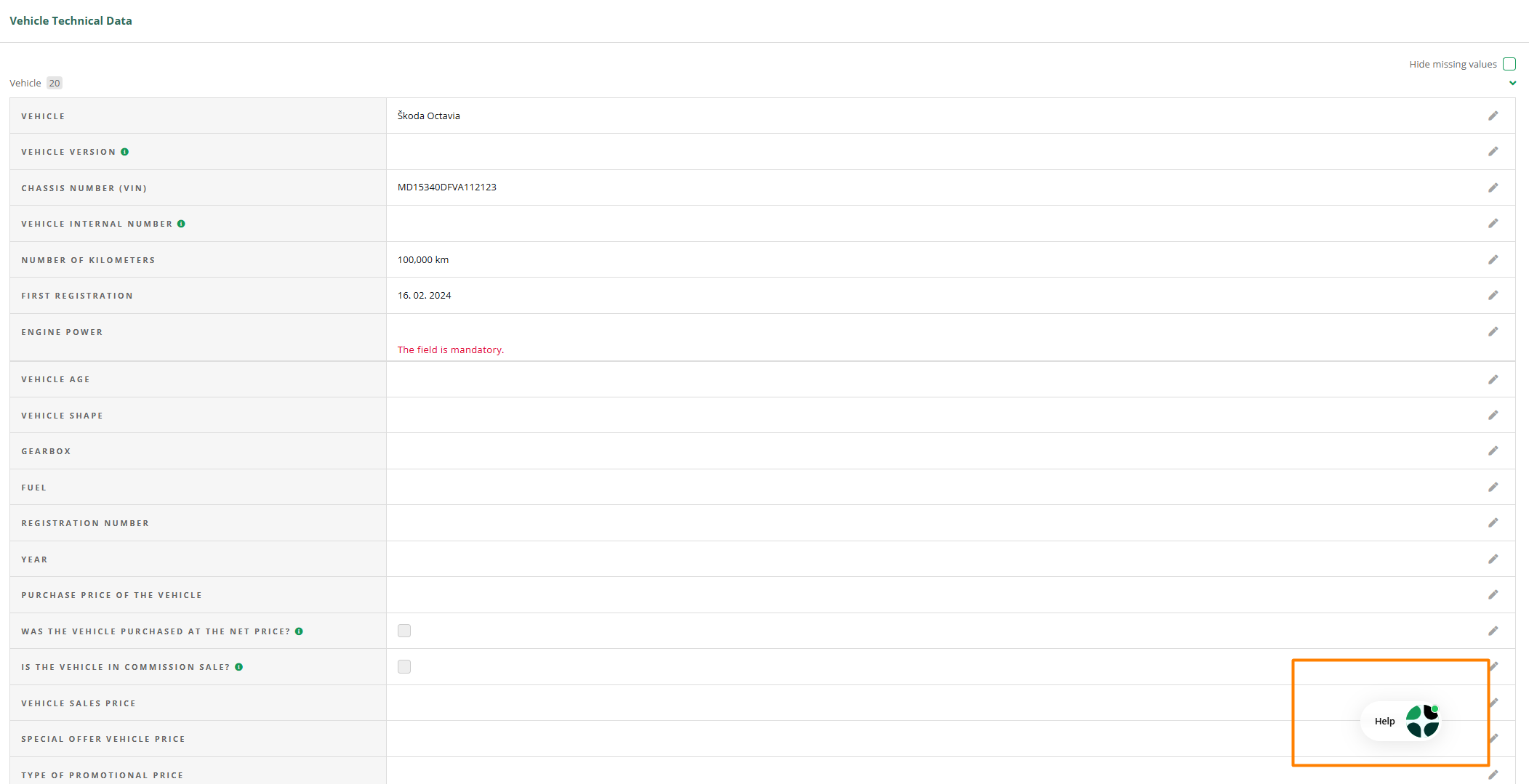
If you want to report an error in the application or suggest an improvement, you can do so most quickly via the Help.
In most cases, it is located in the bottom right section of the application, but you can move it anywhere you wish.
Solve the problem yourself
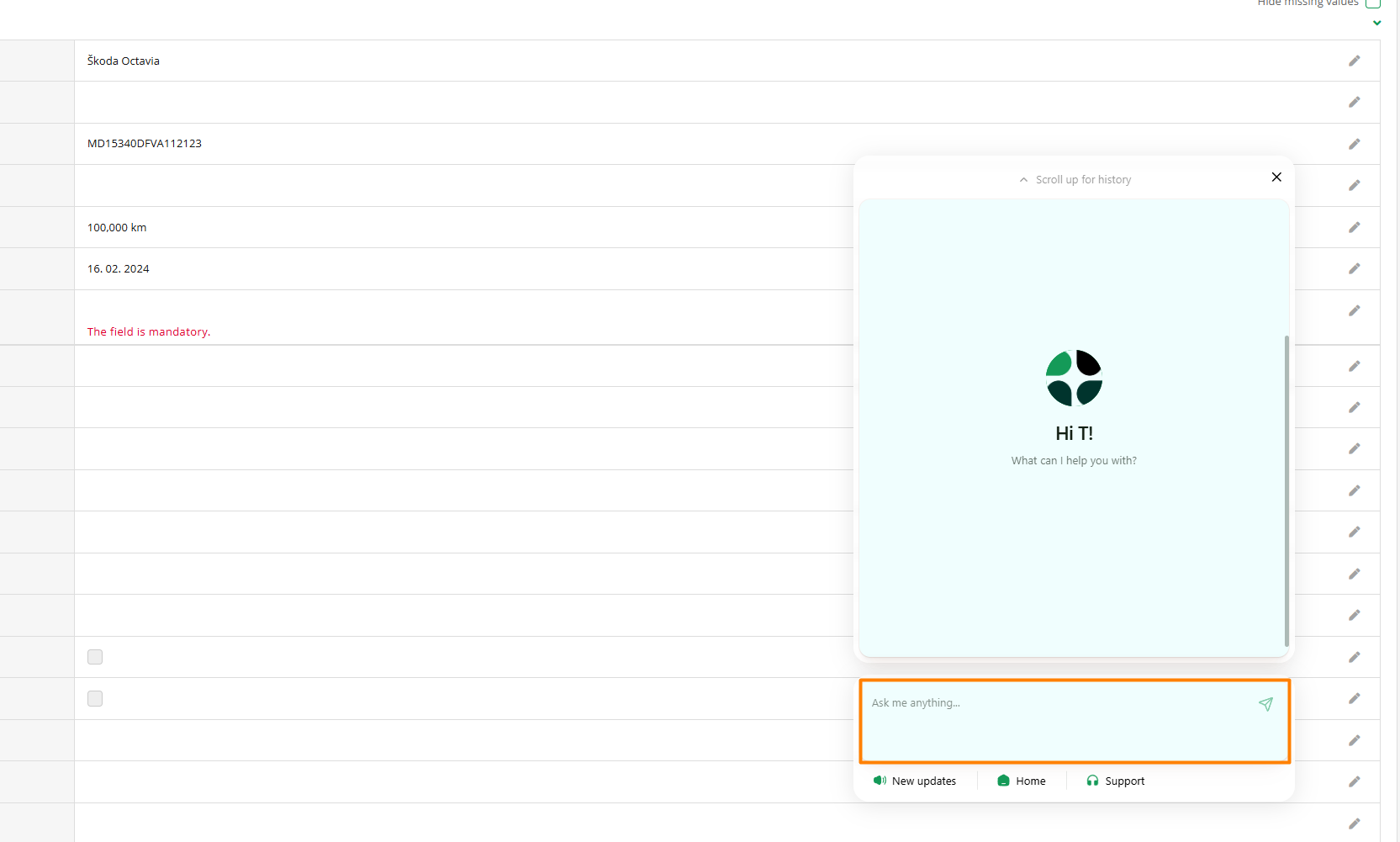
If it's not a technical error (e.g., you need instructions for use), we recommend that you first describe your challenge in the help box. Our assistant will help you by reviewing more than 150 instructional articles and quickly guiding you to the appropriate steps.
In most cases, you can get an answer immediately.
Please, when it's not a technical error, first try to solve the challenge with the AI assistant.
Error resolution
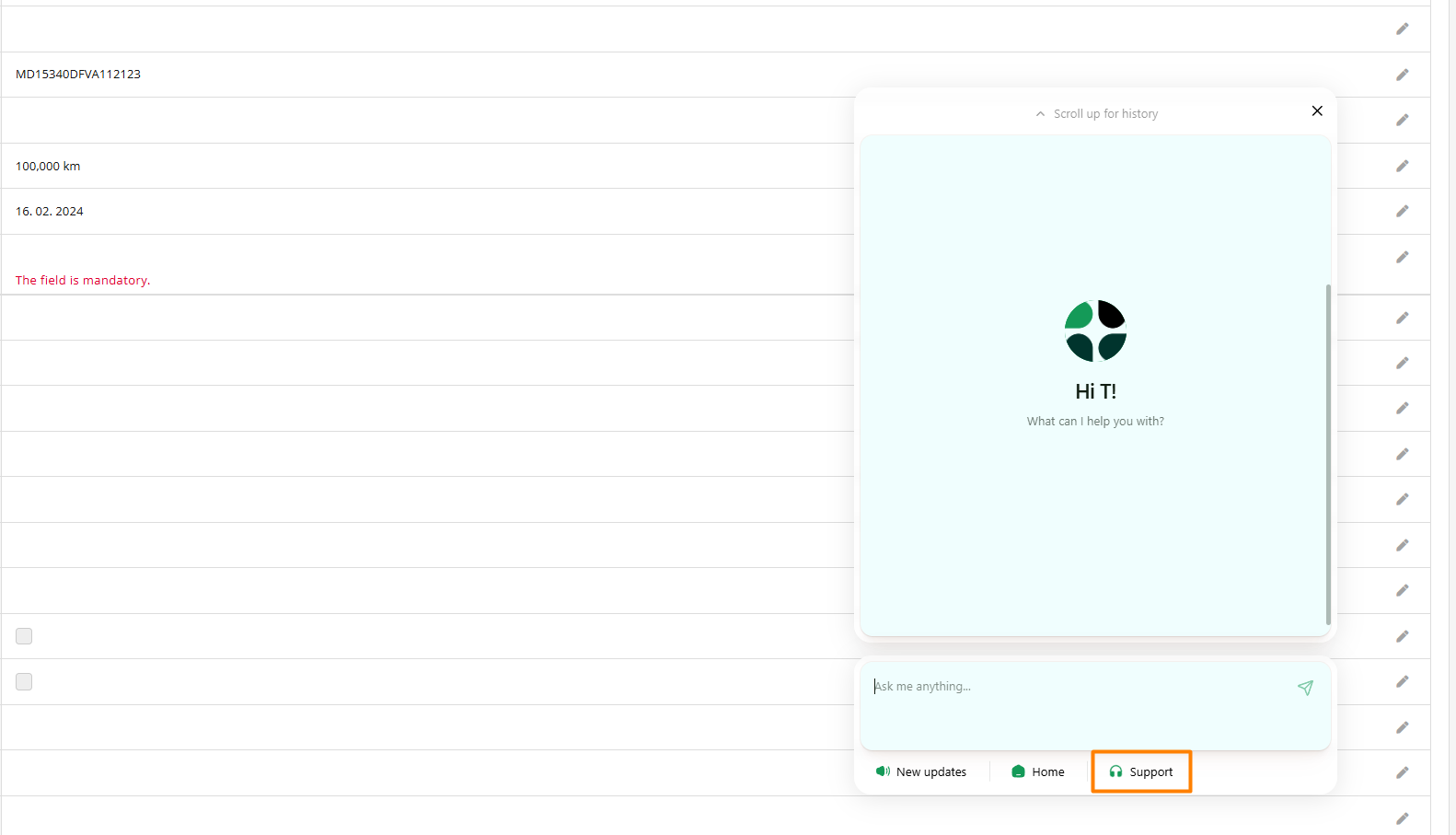
If it's a system malfunction, select the option "Contact Support". This will immediately connect you with our team.
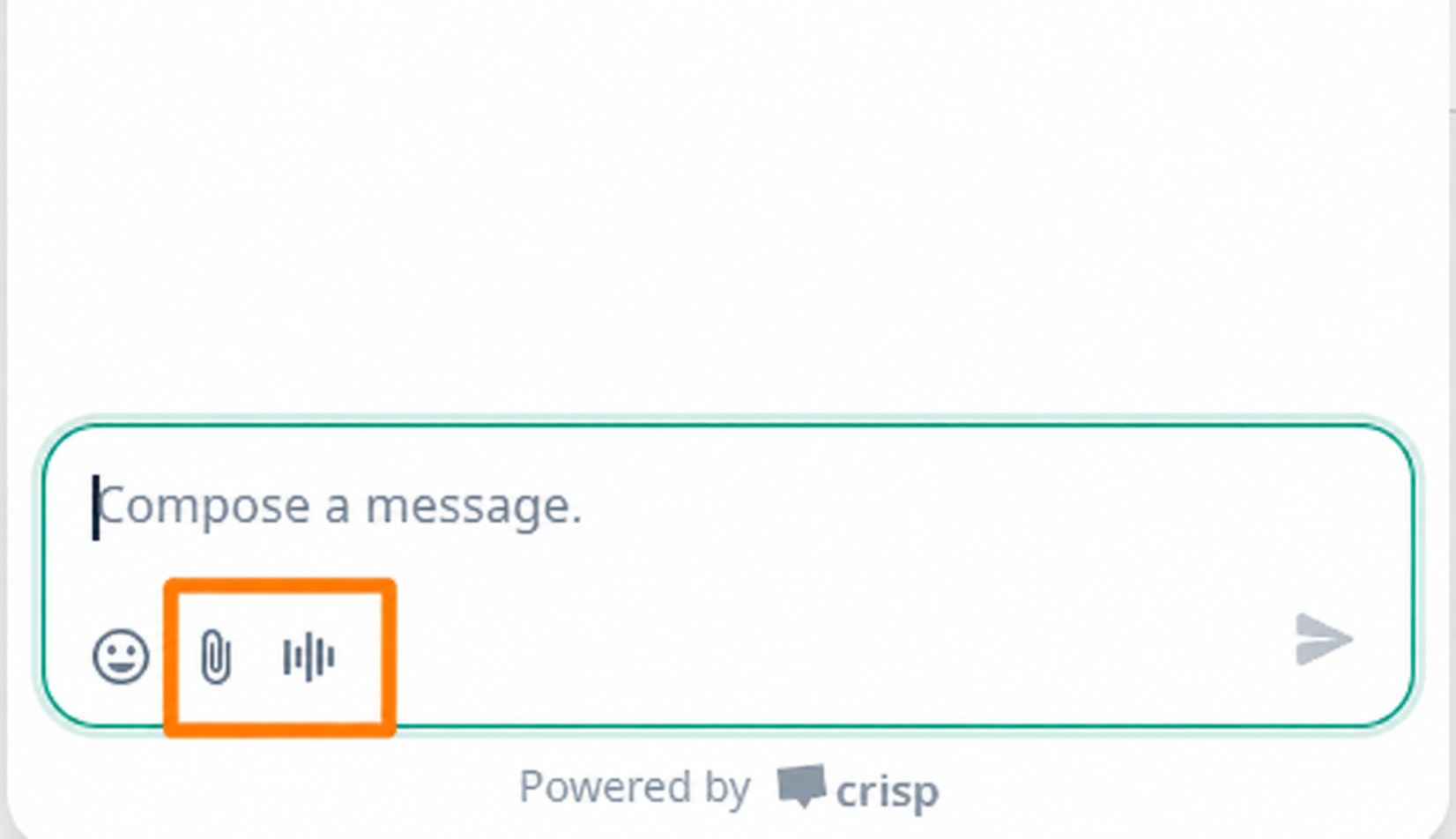
For a faster resolution, please:
- Describe the problem as precisely as possible
(short descriptions are often not enough to understand the problem) - add documents, a screenshot, or a video
- describe what you were doing when the error occurred
This allows us to understand and resolve the issue faster.
For major issues, please read the following article.
Our support team responds during business hours: Monday-Friday: 8:00-16:00.
You will receive a response as soon as possible. Thank you for your understanding if it sometimes takes a little longer.
Phone call
Please, for reporting issues, instead of a call, use the in-app chat
Why?
- the conversation remains saved
- we can refer back to it later
- from the solutions, we can prepare instructions for other users
- we understand the problem history faster
In phone communication, this information is often lost.
Tip: The more accurately you describe the issue, the faster we can resolve it.